Marks & Badges
AIPM 1.1 — Dimensions, proportions, and download files for implementors.
Mark Design
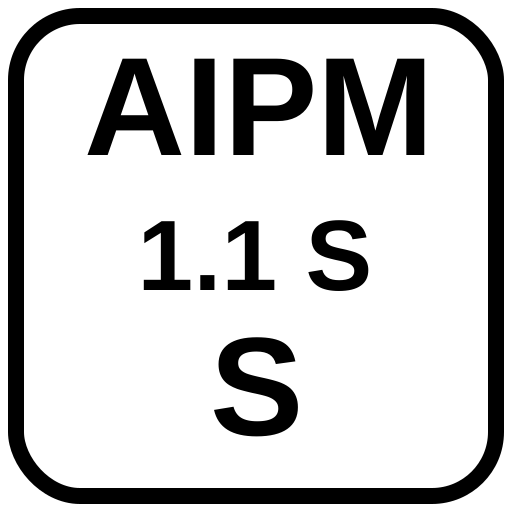
The AIPM mark is a rounded square containing bold text on two or three lines. It is designed to be legible at small sizes when centered within a QR code, where it occupies approximately 22% of the QR code's width.
Standard mark (no Show mode)
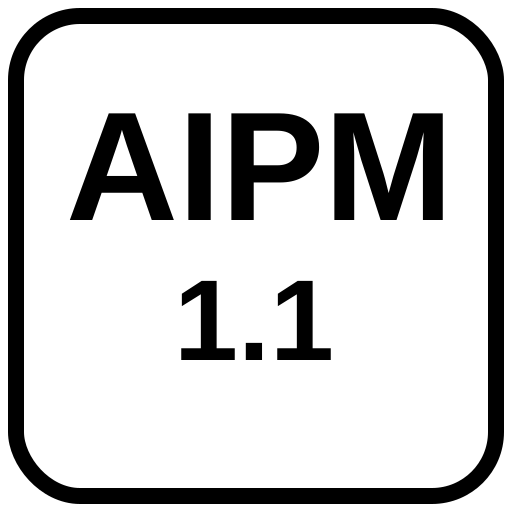
Line 2: 1.1 — the spec version
Two-line layout used when Show mode is off.
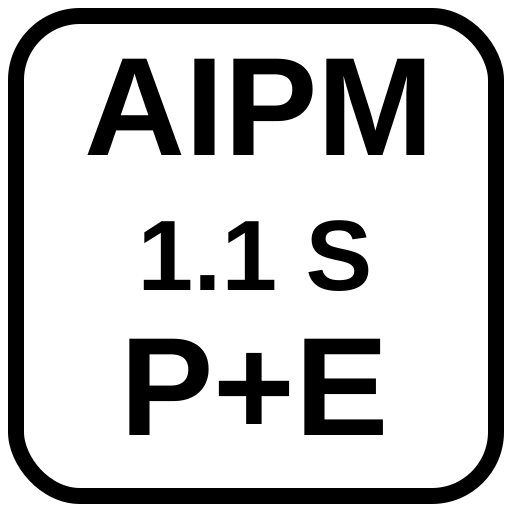
Show mode mark
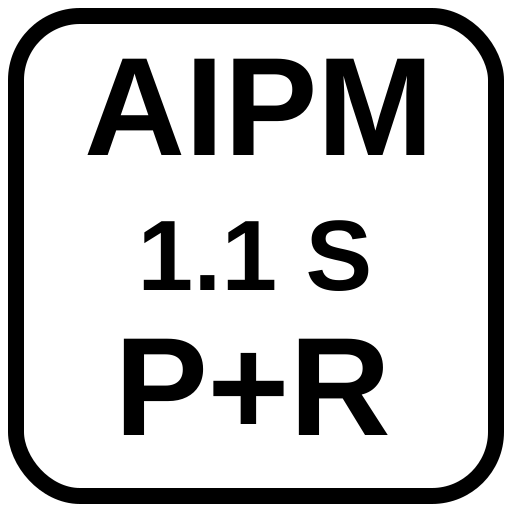
Line 2: 1.1 S — version + Show mode indicator
Line 3: P+R — abbreviated human role
Three-line layout used when Show mode is on.
Dimensions & Proportions
| Property | Value | Notes |
|---|---|---|
| Canvas | 512 × 512 px | Square; scale uniformly |
| Corner radius | 64 px (at 512px scale) | 12.5% of canvas width |
| Border stroke | 16 px | 3.125% of canvas width |
| Background | #FFFFFF | White fill inside border |
| Text color | #000000 | Black; no grey or color variants |
| Font | Arial, Helvetica, sans-serif | System fallback stack for reliable embedding |
| Font weight | 700 (bold) | Both lines |
| Line 1 font size | 160 px (2-line) / 140 px (3-line) | Scales with canvas |
| Line 2 font size | 120 px (2-line) / 100 px (3-line) | Scales with canvas |
| Line 3 font size | 140 px (Show mode only) | Same visual weight as line 1 — role is equally prominent |
| Text alignment | Center (x=256) | All lines |
QR Code Overlay Requirements
| Property | Value |
|---|---|
| Error correction level | Level H (30% tolerance) — required for logo overlay |
| Logo size | 22% of QR code width (centered) |
| Logo position | Centered horizontally and vertically |
| Logo format | SVG rendered to canvas via base64 data URL |
| Background | White fill in mark provides automatic quiet zone |
Minimum Sizes
| Context | Minimum QR size | Minimum print size |
|---|---|---|
| Digital (screen) | 160 × 160 px | — |
| Print (document) | — | 2.5 cm / ~1 in |
| Print (poster/signage) | — | 4 cm / ~1.6 in |
1 inch = 2.54 cm exactly. Always test scannability at the intended output size before publishing. Larger QR codes (more data) require proportionally larger print dimensions to remain reliably scannable.
Do's and Don'ts
| Do | Don't |
|---|---|
| Use Level H error correction | Use Level L, M, or Q with a logo overlay |
| Keep logo at ≤22% of QR width | Enlarge the logo beyond 22% — scannability degrades |
| Use white background on mark | Use transparent mark background over QR modules |
| Scale uniformly | Stretch or distort the mark |
| Use the provided SVG files | Recreate the mark with different fonts or proportions |
| Test before publishing | Assume a generated QR will scan without testing |
SVG Downloads
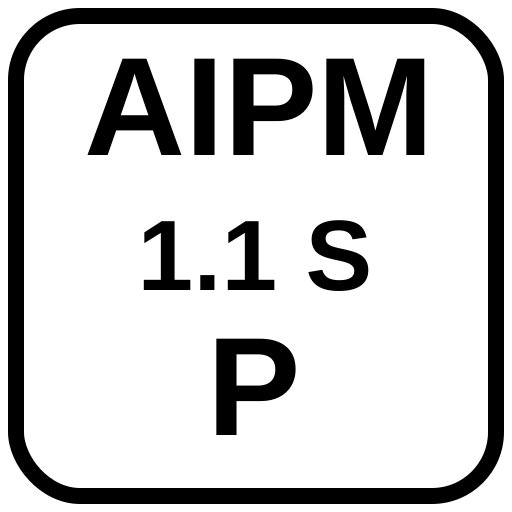
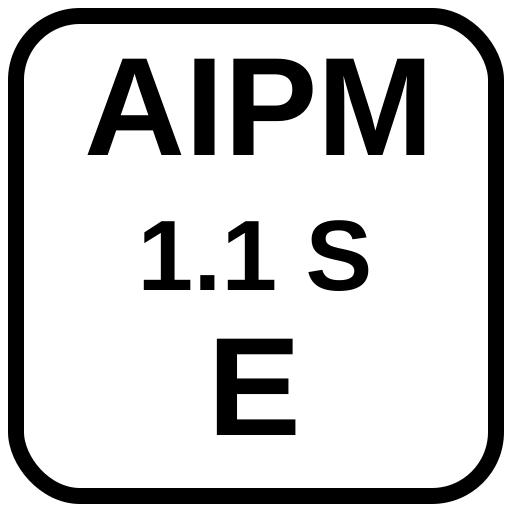
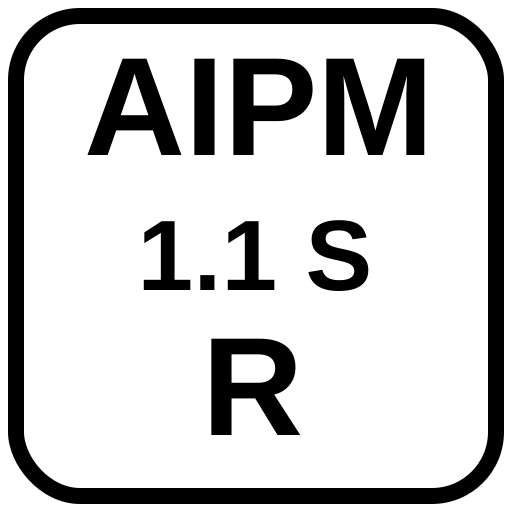
All marks are provided as 512×512 SVG files. Use these as the source for QR code overlays.
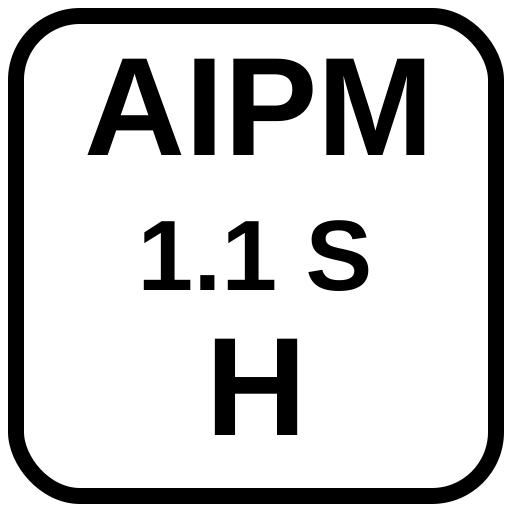
The AIPM Badge
The badge is a compact inline mark for digital content where QR codes are
impractical — GitHub READMEs, blog posts, email signatures, document headers, inline citations.
It is designed to be embedded as an <img> element or inline SVG and linked
to the full provenance URL.
Unlike the QR Mark, the badge communicates identity and role at a glance without requiring a scan. It is always a link — the badge itself navigates to the AIPM provenance record.
Badge vs QR Mark — when to use each
| Context | QR Mark | Badge |
|---|---|---|
| Print, physical media | ✅ Primary | — |
| Slide decks, presentations | ✅ Primary | As supplement |
| Images and documents (embedded) | ✅ Primary | — |
| Web pages (HTML) | Optional | ✅ Primary |
| GitHub READMEs / Markdown docs | — | ✅ Primary |
| Email signatures | — | ✅ Primary |
| Inline citations | — | ✅ Primary |
Badge format
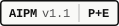
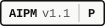
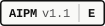
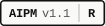
Two forms. The minimal badge identifies the standard without showing the role. The role badge adds the abbreviated human role after a separator.

Minimal
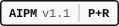
With role
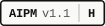
Human only
HTML embedding
<a href="https://aipmq.org/1.1/aipm/#v=1.1&role=prompted%2Breviewed&...">
  <img src="https://aipmq.org/1.1/svgs/badges/aipm-badge-1.1-pr.svg"
       alt="AIPM v1.1 · P+R" height="26">
</a>
Markdown embedding
[](https://aipmq.org/1.1/aipm/#v=1.1&role=...)
The generator automatically produces the correct badge variant and provides "Copy HTML" and "Copy MD" buttons alongside the QR code.
Badge SVG Downloads
All badge SVGs are 26px tall and scale with the height attribute.
They use system monospace fonts and render consistently across browsers and platforms.
Ordered most-human to most-AI.