Marks & Badges
Use this page to download official AIPM QR center marks and badge SVGs. No decoder or special app is required — scanning the QR mark or clicking the badge opens the provenance page directly in any browser.
Create your own mark with the generator →
Implementor reference — dimensions, proportions, and download files.
Screen display note: When displaying the QR mark on a screen, use Large or Extra Large size for reliable scanning. Small and Medium sizes may not scan on Android or on high-resolution displays where physical pixel size is small. For print and physical media, any size works at normal scanning distance.
Mark Design
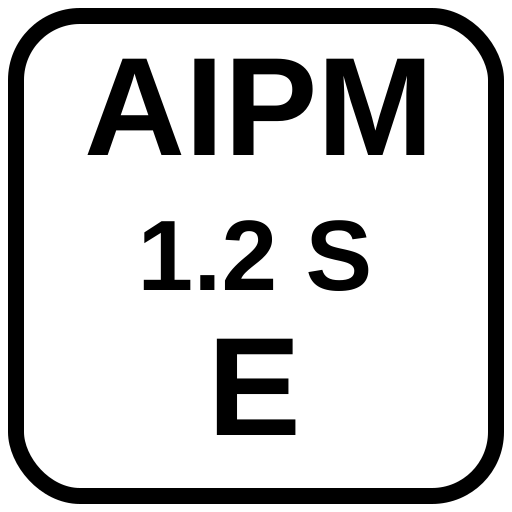
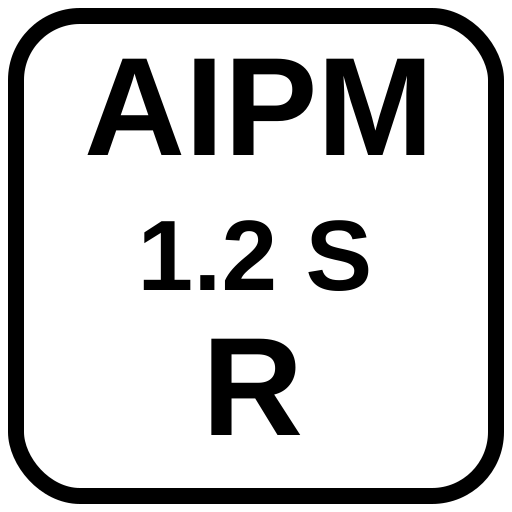
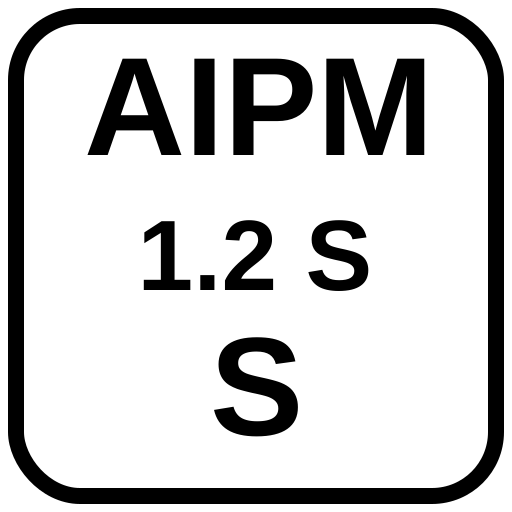
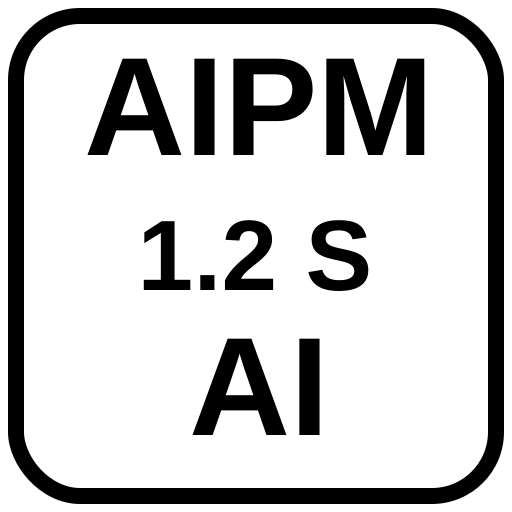
The AIPM mark is a rounded square containing bold text on two or three lines. It is designed to be legible at small sizes when centered within a QR code, where it occupies approximately 22% of the QR code's width.
Standard mark (no Show mode)
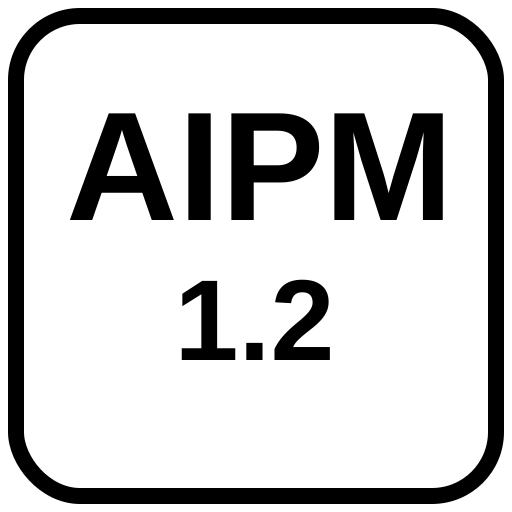
Line 2: 1.2 — the spec version
Two-line layout used when Show mode is off.
Show mode mark
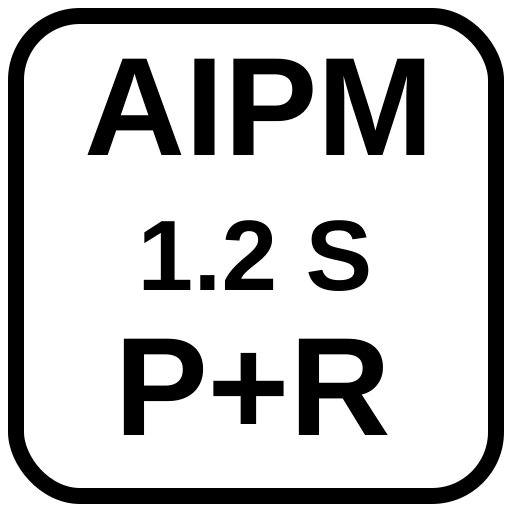
Line 2: 1.2 S — version + Show mode indicator
Line 3: P+R — abbreviated human role
Three-line layout used when Show mode is on.
Dimensions & Proportions
| Property | Value | Notes |
|---|---|---|
| Canvas | 512 × 512 px | Square; scale uniformly |
| Corner radius | 64 px (at 512px scale) | 12.5% of canvas width |
| Border stroke | 16 px | 3.125% of canvas width |
| Background | #FFFFFF | White fill inside border |
| Text color | #000000 | Black; no grey or color variants |
| Font | Arial, Helvetica, sans-serif | System fallback stack for reliable embedding |
| Font weight | 700 (bold) | Both lines |
| Line 1 font size | 160 px (2-line) / 140 px (3-line) | Scales with canvas |
| Line 2 font size | 120 px (2-line) / 100 px (3-line) | Scales with canvas |
| Line 3 font size | 140 px (Show mode only) | Same visual weight as line 1 — role is equally prominent |
| Text alignment | Center (x=256) | All lines |
QR Code Overlay Requirements
| Property | Value |
|---|---|
| Error correction level | Level H (30% tolerance) — required for logo overlay |
| Logo size | 22% of QR code width (centered) |
| Logo position | Centered horizontally and vertically |
| Logo format | SVG rendered to canvas via base64 data URL |
| Background | White fill in mark provides automatic quiet zone |
Minimum Sizes
| Context | Minimum QR size |
|---|---|
| Digital (screen) | 320 × 320 px (Large) or larger — see the screen display note above |
Print sizing depends on QR density and — above all — on your printer. Real print testing found that the physically meaningful quantity is the size of a single QR module, not the overall printed size — a mark encoding more data packs more modules into the same footprint, so the same overall size that works for a short mark can be too dense for a longer one. A second round of testing then found that printer-to-printer variation can outweigh module size entirely: identical sheets printed on two different laser printers and scanned with the same phone went from failing outright to scanning easily at the same module size. The table below is deliberately sized for the weaker printer you can't predict.
| Target | Recommended module size | What this looks like |
|---|---|---|
| Reliably scannable (floor, little margin) | ~0.40 mm/module | ~55 mm (2.2 in) for a typical mark, ~64 mm (2.5 in) for a dense one |
| Comfortable, low-effort scan (recommended default) | ~0.50 mm/module | ~68 mm (2.7 in) for a typical mark, ~76 mm (3.0 in) for a dense one |
| Maximum reliability margin | ~0.60 mm/module | ~82 mm (3.2 in) for a typical mark, ~97 mm (3.8 in) for a dense one |
"Typical" above means a mark with modest context (roughly QR version 28, ~650 bytes); "dense" means a longer mark near the practical ceiling for a single QR (roughly version 34, ~900 bytes). If you don't know your mark's QR version, err toward the "dense" figures or the maximum-reliability row — the module-size table in the generator shows the actual version for your specific content.
Module size governs — no absolute-footprint floor was found. An earlier round produced one observation suggesting phone cameras might need a minimum overall mark size independent of module size (a physically small mark with generous modules failed while larger, denser marks succeeded). A dedicated follow-up test held overall size constant at 20–40 mm while varying QR density: marks as small as 20 mm (0.8 in) overall scanned easily on both phones tested — on the weaker of the two printers — whenever the module size was adequate, and every failure tracked module size, not overall size. The earlier observation did not reproduce and is now attributed to noise. Practical takeaway: size your mark from the module table above; 20 mm overall is the smallest size tested to date, so treat anything smaller as untested territory.
On this data: these figures come from three rounds of real print testing — two laser printers, three phones across rounds, one tester. Because the two laser printers alone produced dramatically different results, and because no inkjet printing has been tested yet, every number here is a conservative starting point rather than a guarantee. Print one copy and test-scan it with a real phone before printing at scale — particularly on unusual paper stock, at small sizes, or for audiences likely to use older or lower-end phone cameras. Guidance may loosen or tighten as more printers are tested.
1 inch = 2.54 cm exactly.
PNG downloads include a built-in quiet zone. Downloaded PNG files have a 20-pixel white border added automatically (per ISO/IEC 18004 §9.1, which requires a quiet zone of at least 4 QR modules). This means the image dimensions are slightly larger than the selected QR size — a 300 px QR download produces a 340 × 340 px PNG. Account for this when placing the image. SVG files do not include the quiet zone — add your own padding when embedding SVGs directly.
Do's and Don'ts
| Do | Don't |
|---|---|
| Use Level H error correction | Use Level L, M, or Q with a logo overlay |
| Keep logo at ≤22% of QR width | Enlarge the logo beyond 22% — scannability degrades |
| Use white background on mark | Use transparent mark background over QR modules |
| Scale uniformly | Stretch or distort the mark |
| Use the provided SVG files | Recreate the mark with different fonts or proportions |
| Test before publishing | Assume a generated QR will scan without testing |
SVG Downloads
All marks are provided as 512×512 SVG files. Use these as the source for QR code overlays.
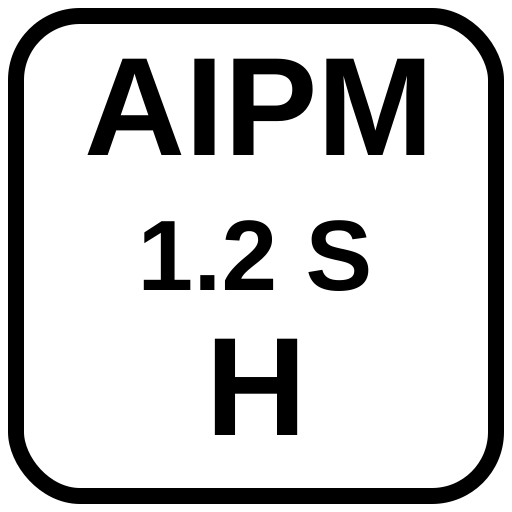
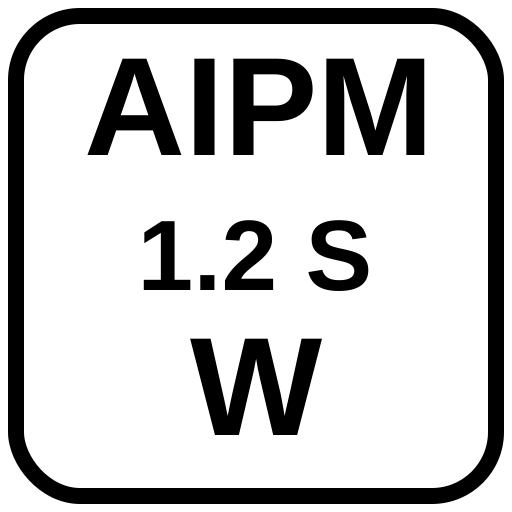
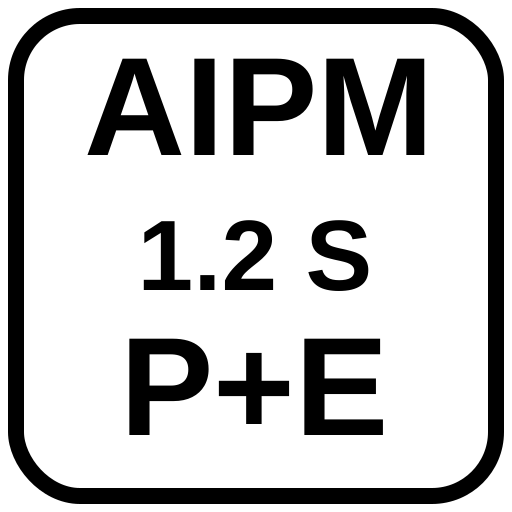
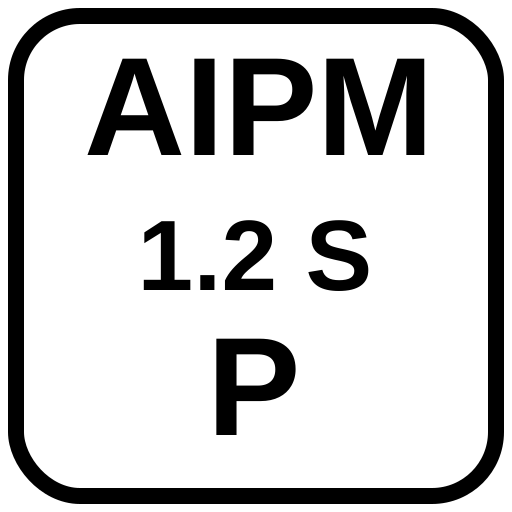
The AIPM Badge
The badge is a compact inline mark for digital content where QR codes are
impractical — GitHub READMEs, blog posts, email signatures, document headers, inline citations.
It is designed to be embedded as an <img> element or inline SVG and linked
to the full provenance URL.
Unlike the QR Mark, the badge communicates identity and role at a glance without requiring a scan. It is always a link — the badge itself navigates to the AIPM provenance record.
Badge vs QR Mark — when to use each
| Context | QR Mark | Badge |
|---|---|---|
| Print, physical media | ✅ Primary | — |
| Slide decks, presentations | ✅ Primary | As supplement |
| Images and documents (embedded) | ✅ Primary | — |
| Web pages (HTML) | Optional | ✅ Primary |
| GitHub READMEs / Markdown docs | — | ✅ Primary |
| Email signatures | — | ✅ Primary |
| Inline citations | — | ✅ Primary |
Badge format
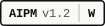
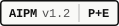
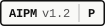
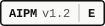
Two forms. The minimal badge identifies the standard without showing the role. The role badge adds the abbreviated human role after a separator.

Minimal
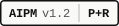
With role

Human only
HTML embedding
<a href="https://aipmq.org/1.2/aipm/#v=1.2&role=prompted%2Breviewed&...">
  <img src="https://aipmq.org/1.2/svgs/badges/aipm-badge-1.2-pr.svg"
       alt="AIPM v1.2 · P+R" height="26">
</a>
Markdown embedding
[](https://aipmq.org/1.2/aipm/#v=1.2&role=...)
The generator automatically produces the correct badge variant and provides "Copy HTML" and "Copy MD" buttons alongside the QR code.
Badge SVG Downloads
All badge SVGs are 26px tall and scale with the height attribute.
They use system monospace fonts and render consistently across browsers and platforms.
Ordered most-human to most-AI.